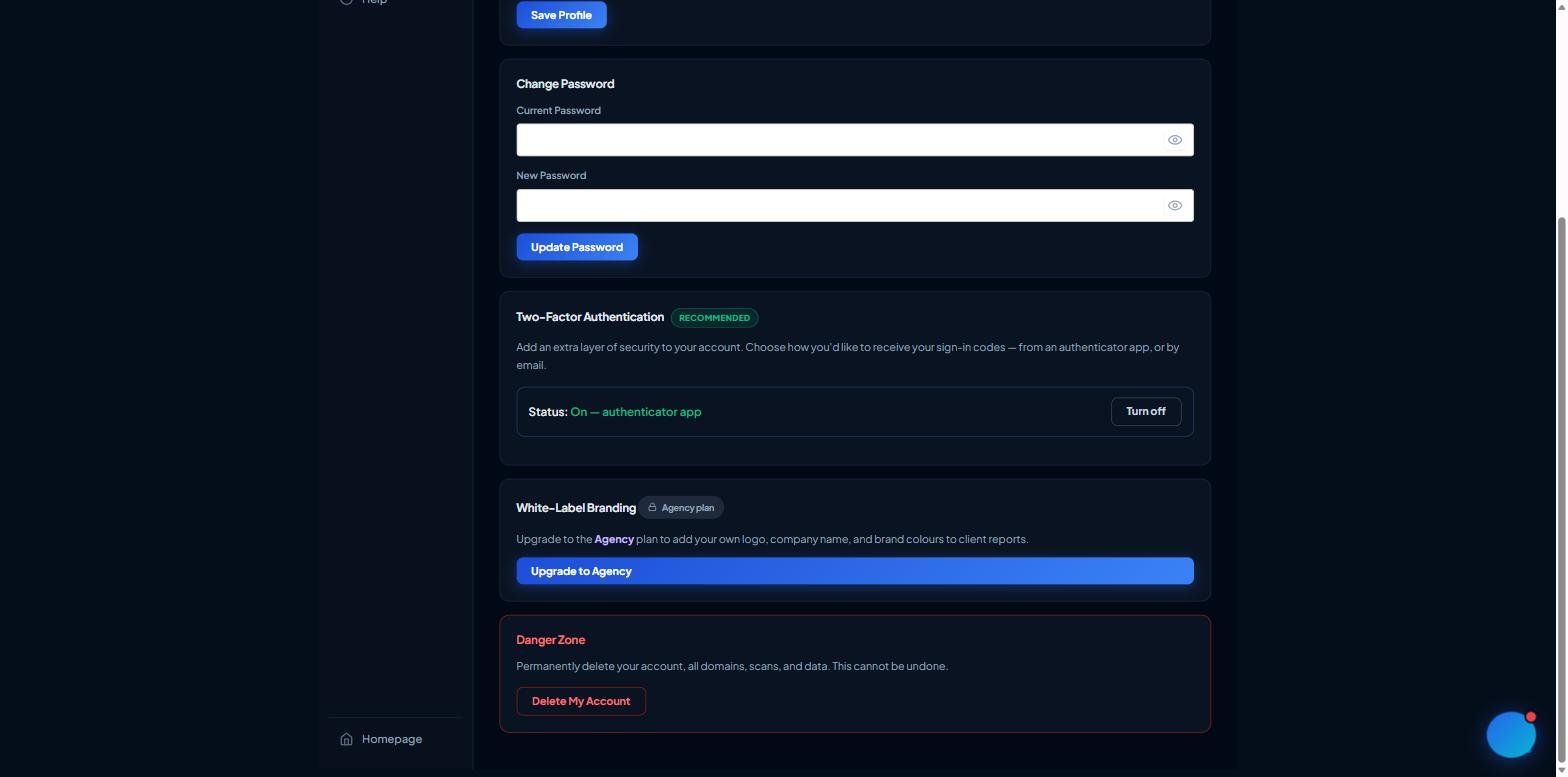
This cannot be undone. Deleting your account permanently removes your profile, all domains, all scans and their reports. Any active subscription is cancelled as part of deletion.
Open your Dashboard and go to Settings, then scroll to the Danger Zone.
Click Delete My Account.
Enter your password to confirm, then click Permanently Delete.
You'll be signed out and your account will be removed.
The Danger Zone with the Delete My Account confirmation
If you only want to stop being billed, you don't have to delete your account — you can cancel your subscription instead and keep your data.
Note: administrator accounts can't be self-deleted from the dashboard.