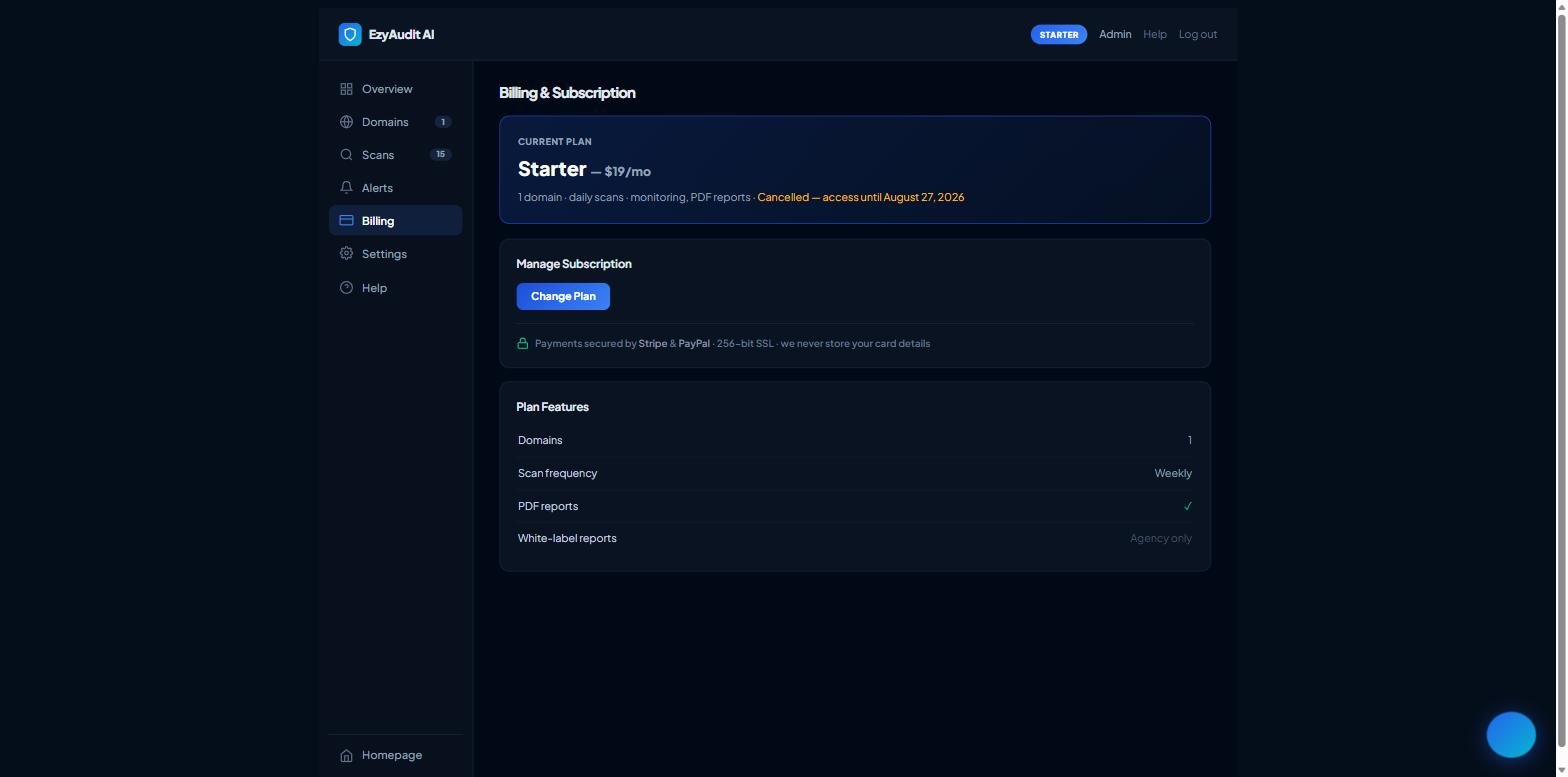
Under Manage Subscription, click Cancel Subscription.
Confirm when prompted.
Your plan is marked cancelled and you'll keep access until the end of your current billing period — you won't be charged again after that.
The Cancel Subscription button under Manage Subscription
If you pay via PayPal, cancellation is sent to PayPal automatically. If you're ever still billed after cancelling, contact support and we'll sort it out.