← All help articlesAccount & Security
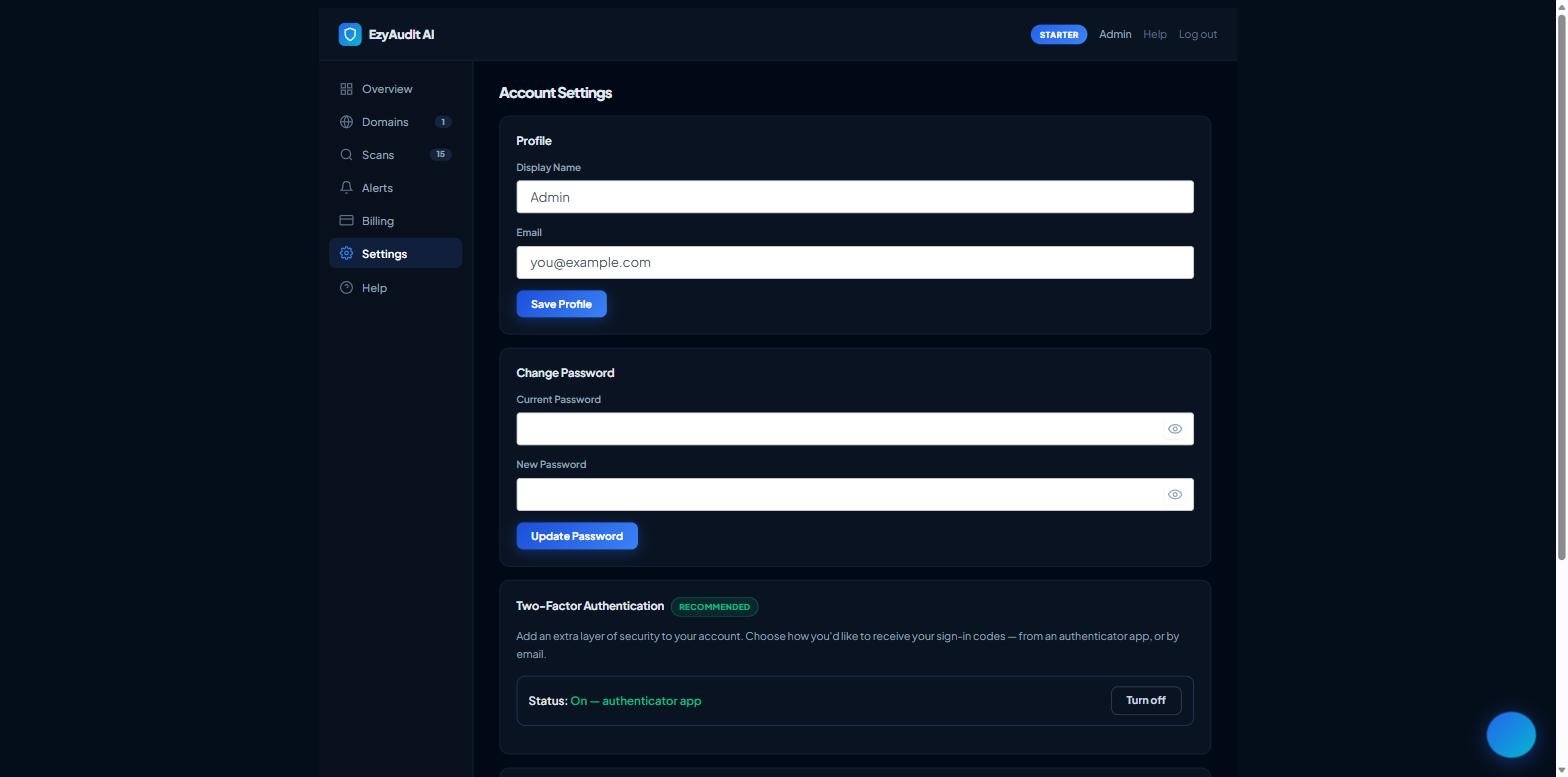
The Change Password card in Settings 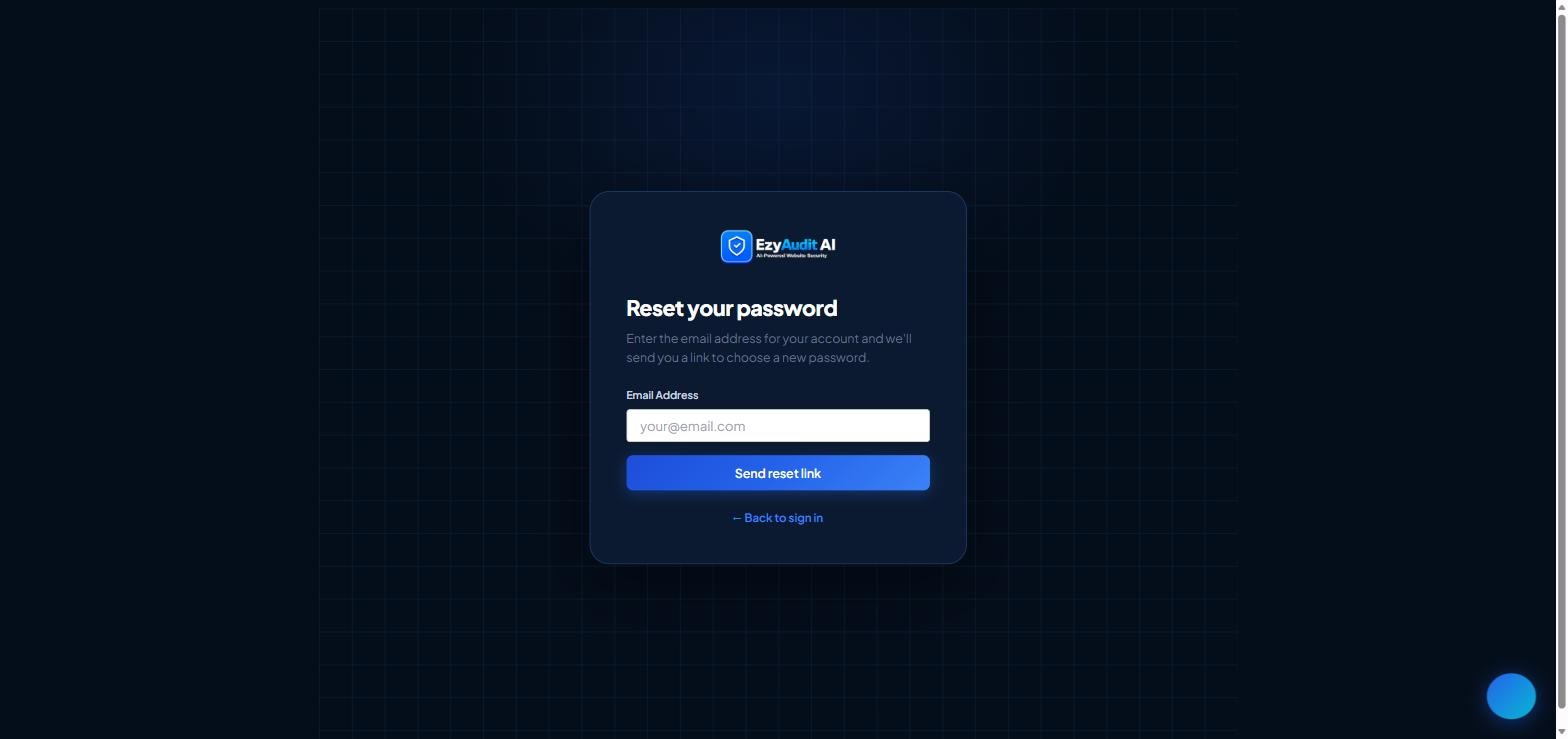
The Forgot password screen on the sign-in page
Changing or resetting your password
Change your password (while signed in)
- Open your Dashboard and go to Settings, then the Change Password card.
- Enter your current password, then your new password (at least 8 characters).
- Click Update. You stay signed in with the new password.
Reset a forgotten password
- On the sign-in page, click Forgot password?
- Enter your account email address and submit. For security we always show the same confirmation, whether or not an account exists.
- Check your inbox for the reset email and click the reset link (it's single-use and expires after 24 hours).
- Set a new password (at least 8 characters) and you'll be returned to sign in.
Didn't get the email? Check spam, and make sure you used the address you registered with.
Still stuck? Contact support and we'll help.