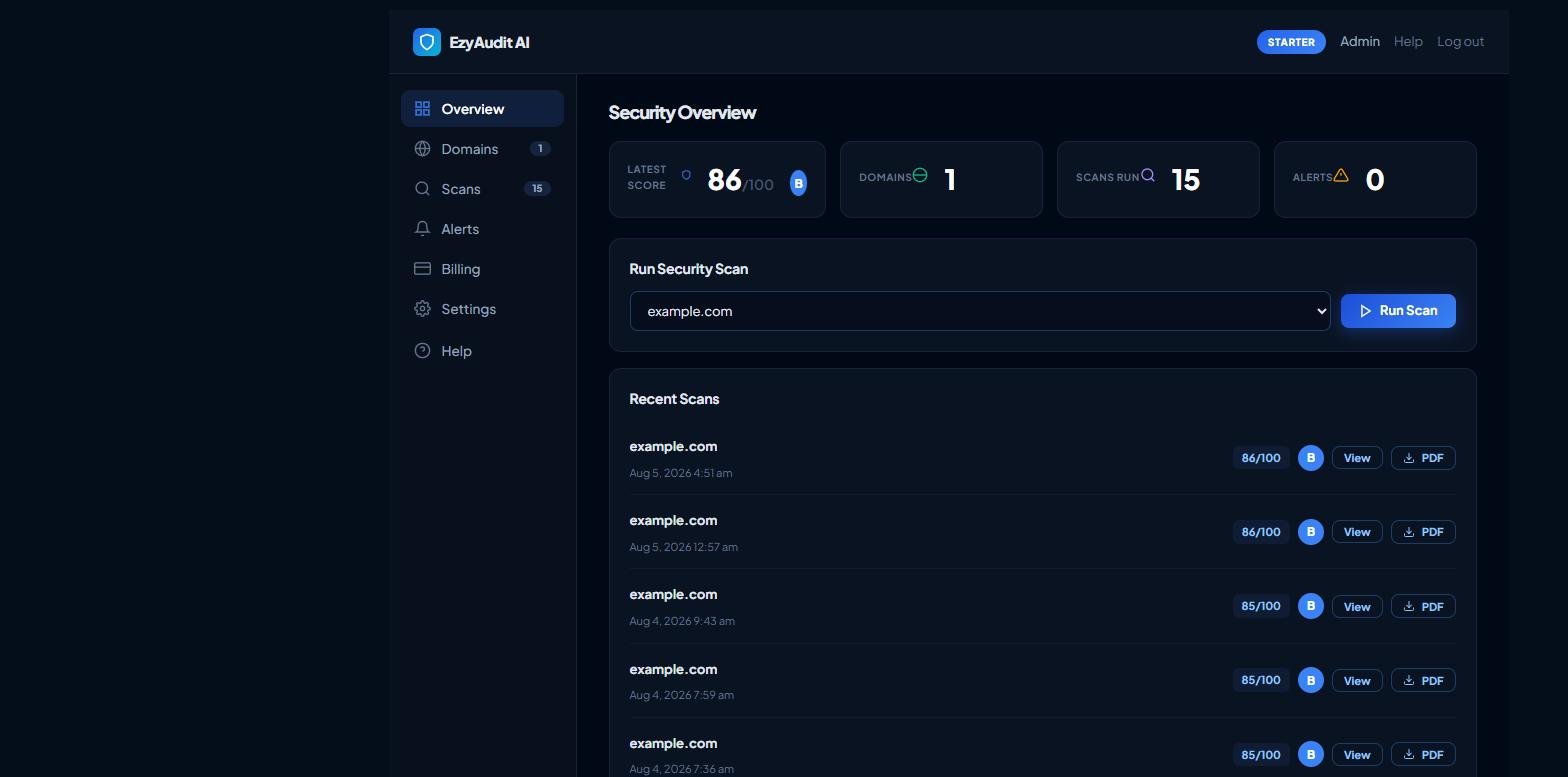
Open your Dashboard and stay on the Overview tab (or open the Domains tab).
Find the domain you want to scan and click Run Scan.
Wait a few moments while the scan runs. When it completes, the score (out of 100), grade (A–F) and risk level appear under Recent Scans.
The Run Security Scan card with the Run Scan button next to a domain
Tip: Re-scan regularly. Security posture drifts as plugins, certificates and server settings change, and your score trend helps you catch regressions early.