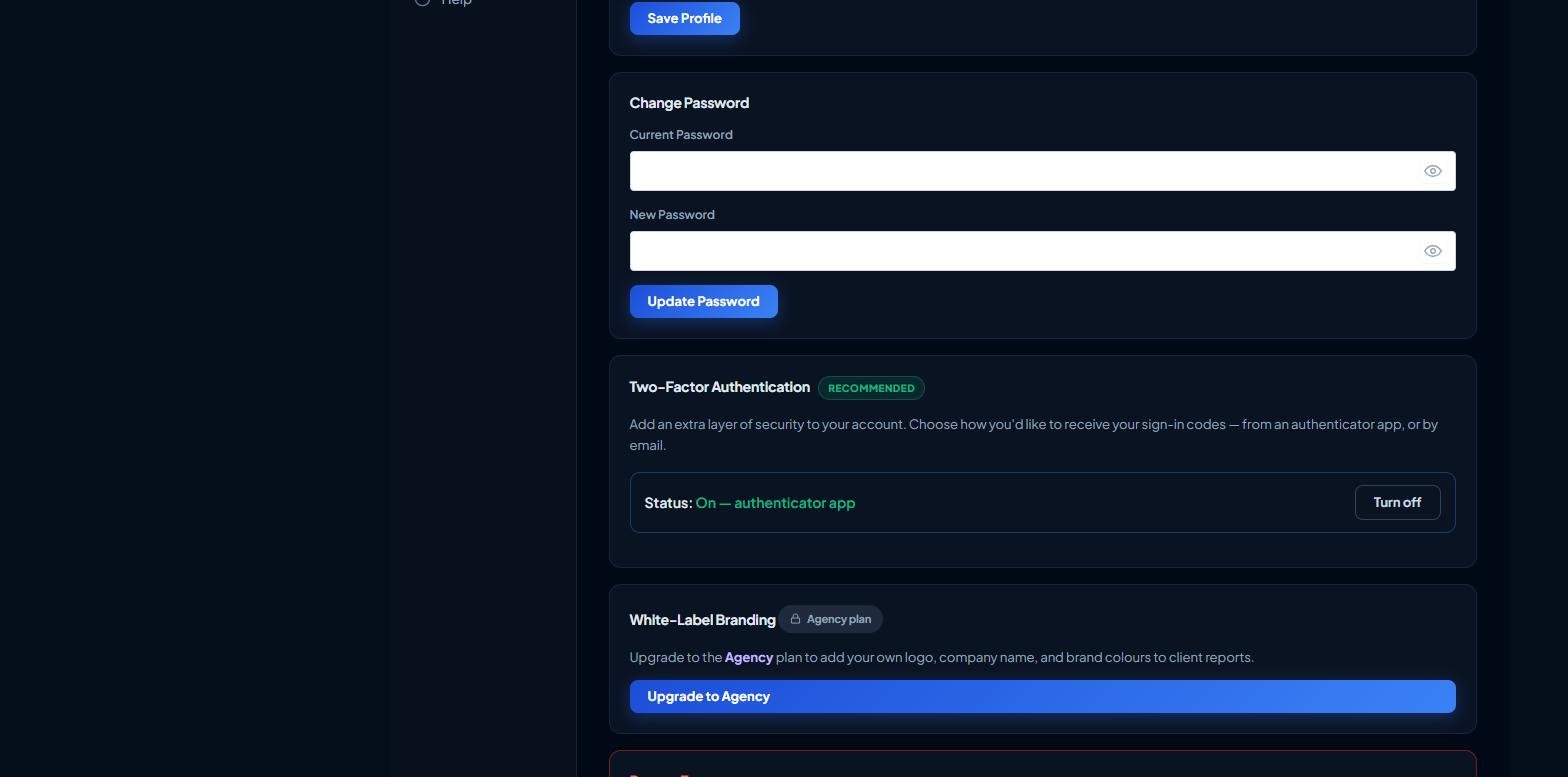
Agency plans let you brand the PDF reports your clients receive so they look like your own.
Open your Dashboard and go to Settings, then the White-Label Branding card (available on the Agency plan).
Your Logo — upload your logo image. It appears on the report cover and header.
Company Name — the agency name shown on reports (for example Your Agency Ltd).
Brand Colour — pick your primary colour; report accents use it.
Report Footer Text — a line for the bottom of each report (for example Prepared by Your Agency).
Click Save Branding. New PDF reports will use your branding.
The White-Label Branding card with logo, name, colour and footer fields
Don't see this card? White-label branding is part of the Agency plan — upgrade from the Billing tab to unlock it. For best results use a logo with a transparent background (PNG).