← All help articlesBilling & Plans
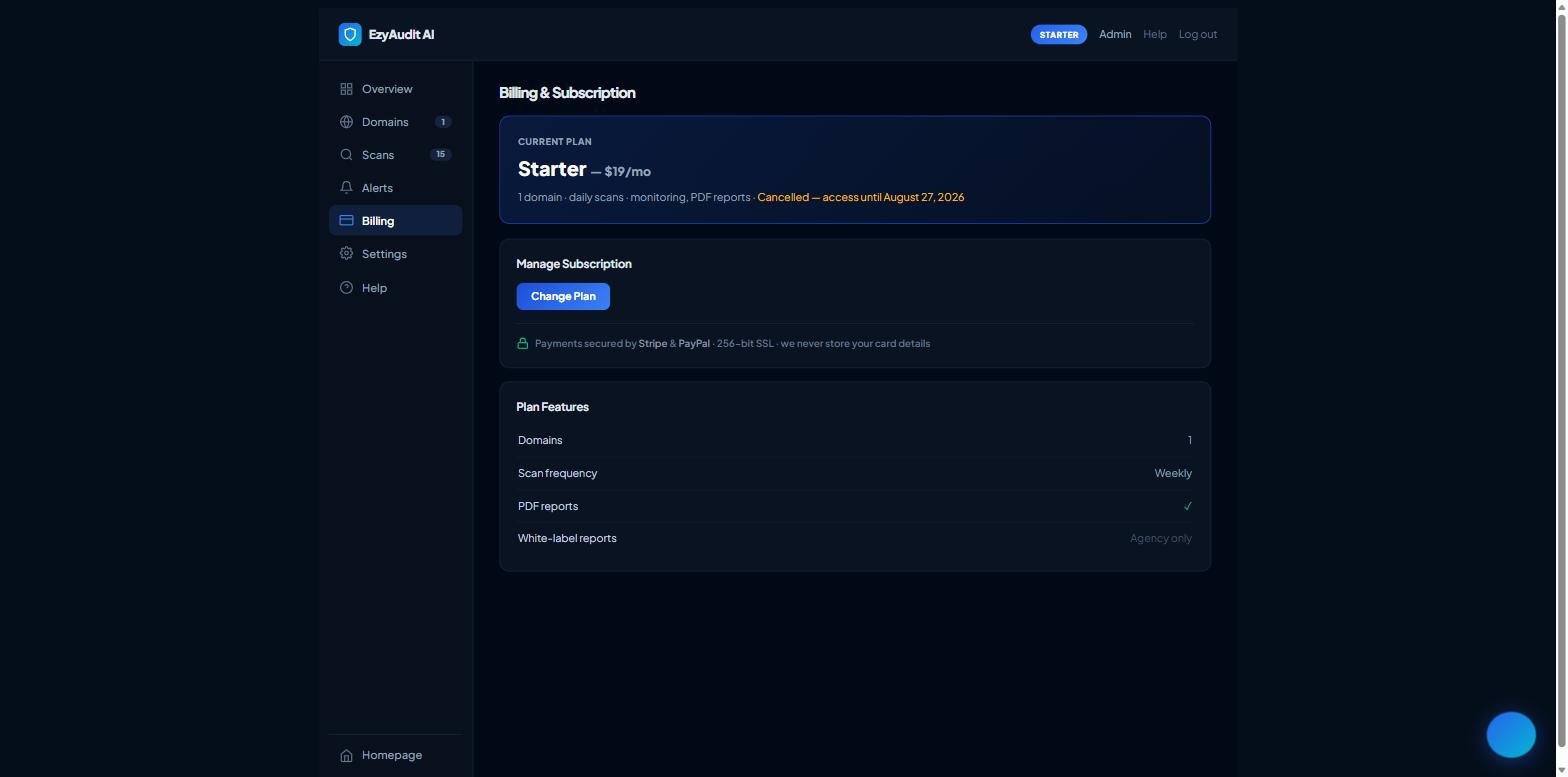
The Manage Subscription area on the Billing tab
Choosing, upgrading or changing your plan
- Open your Dashboard and go to the Billing tab.
- Under Manage Subscription:
- Choose a Plan — if you don't have one yet.
- Change Plan — to move to a different tier.
- Manage Payment Method — to update your card, or Manage on PayPal if you pay via PayPal.
- Follow the secure checkout to confirm. Payments are handled by Stripe & PayPal — we never store your card details.
The Plan Features table on the same tab shows exactly what each tier includes.
Still stuck? Contact support and we'll help.