WordPress Plugin and Theme Vulnerabilities: What Every Site Owner Needs to Know in 2026
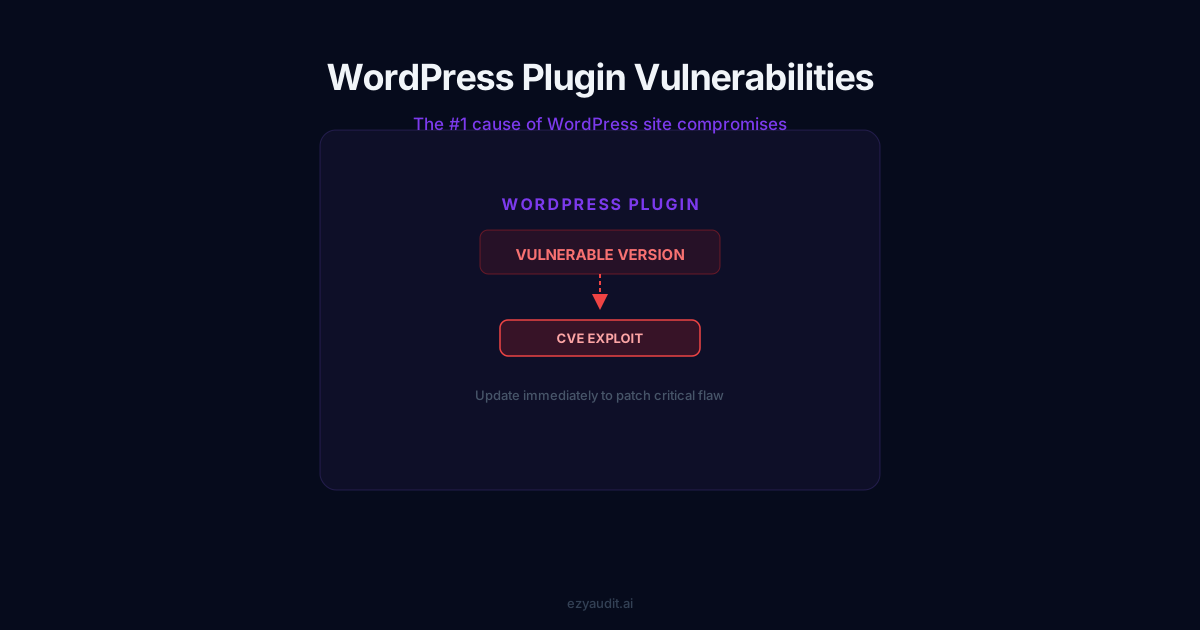
WordPress plugin theme vulnerabilities are the most common way secure-looking sites get hacked. This guide explains how WordPress plugin theme vulnerabilities happen and how to stay ahead of them.
WordPress runs a little over 40% of the web, which is a remarkable achievement and, from a security standpoint, a giant target painted across nearly half the internet. But the core software itself is not usually where sites get breached. The weak point is almost always the same: the plugins and themes bolted on top of it.
If you run a WordPress site, this is the risk that deserves most of your attention. Here’s why, and what to do about it.
The real attack surface isn’t WordPress core
WordPress core is maintained by a large, security-conscious team and patched quickly. The average site, though, runs anywhere from a dozen to several dozen plugins plus a theme — each one third-party code, each maintained to a wildly different standard.
Some plugins are built by full-time teams who respond to disclosures within hours. Others are weekend projects abandoned years ago, still installed on millions of sites, still holding the same database access as everything else. Every plugin you add is another author you’re implicitly trusting with your entire site.
The overwhelming majority of compromised WordPress sites are breached through a known vulnerability in a plugin or theme — one that already had a patch available. The flaw isn’t usually the existence of the bug. It’s the gap between the fix being released and the site actually applying it.
How a plugin vulnerability becomes a breach
The sequence is depressingly predictable. A researcher discovers a flaw in a popular plugin and reports it. The developer releases a patched version. The vulnerability is published to public databases so the community can defend against it — and at that exact moment, attackers learn about it too.
Automated bots immediately begin scanning the internet for sites still running the vulnerable version. A site that hasn’t updated — because the owner didn’t know, didn’t notice, or feared the update might break something — is now a target with a published instruction manual. The window between disclosure and mass exploitation is frequently measured in days.
Why updates slip through the cracks
Nobody decides to run vulnerable software on purpose. It happens because of entirely ordinary friction:
- Auto-updates are switched off out of a reasonable fear that an update will break the site
- A plugin is abandoned by its developer and simply never receives a patch
- The site has accumulated plugins nobody remembers installing, quietly outdated in the background
- There’s no monitoring in place, so a newly disclosed vulnerability produces no alert — the site stays broken and silent
Each of these is mundane. Together they explain almost every WordPress breach you’ll ever read about.
Practical defence, in priority order
You don’t need a security team to dramatically cut your risk. You need a short, boring routine, followed consistently:
- Audit what you actually run. Remove plugins and themes you no longer use — deactivated isn’t enough; inactive code can still be exploited. Delete it.
- Prefer well-maintained plugins. Before installing, check when it was last updated and whether the developer responds to issues. An abandoned plugin is a liability waiting to mature.
- Keep everything current. Enable auto-updates where you trust the developer; for critical plugins, test updates on a staging copy first.
- Monitor continuously. The only way to catch a newly disclosed vulnerability quickly is to have something watching that checks your installed versions against fresh vulnerability data and alerts you.
How EzyAudit AI handles this
This is exactly the problem EzyAudit AI was designed to solve. It fingerprints the specific plugin and theme versions running on your site and checks them against the CISA Known Exploited Vulnerabilities catalogue and the National Vulnerability Database, both updated every day.
When a plugin you run has a known vulnerability, the report names it, rates its severity, and tells you the version that fixes it — in plain language, with the exact step to take. With monitoring enabled, you don’t have to remember to check; you’re alerted the moment a new vulnerability affects your stack.
Check your site now
If you’re not certain every plugin on your WordPress site is current and free of known vulnerabilities, that uncertainty is the problem worth solving today. A free scan will tell you exactly where you stand in about 90 seconds; monitoring from $19 a month keeps it that way.
See how your website scores
Run a full 95-point security audit in 90 seconds. Get an A–F grade with exact fix steps for every issue found.
1 free scan · Results in 90 seconds · No credit card required
How WordPress plugin theme vulnerabilities put your site at risk
Staying safe from WordPress plugin theme vulnerabilities comes down to updating quickly and knowing exactly what you run. The official WordPress hardening guide is a solid baseline, and a scan fills in the rest. Scan your site with EzyAudit AI to find vulnerable plugins and themes before attackers do.